Sunday, September 5 2010

Category » Electronics

USB Pendant Hacking

I’ve been knee-deep in USB and LCD hacking, playing around some concepts for a control pendant for my CNC mill.  It was a good excuse to exercise my rusty skills on the EZ-USB microcontroller, which I haven’t used in years, but was the basis for many projects from the past.

The first experiments were to make a generic HID (Human Interface Device) input/output device, connected to some buttons and LEDs on the evaluation board that I was using.  By using hidcomp, a nice plugin for EMC2, I was fairly quickly able to tie some buttons to jog controls on my mill with some rudimentary speed controls.  This will form the most basic functionality for my pendant, which will have a couple of these nice Happ subminiature joysticks.

Once that was working, I wanted to try to get the LCD functionality in hidcomp to work, so I could output EMC2 info like axis positions onto a display.  The first hurdle, which easily chewed up many hours, was trying to get HID Feature Reports to work with the EZ-USB framework.  Feature Reports are a way for HID devices and the host to exchange configuration information.  In this particular case, the hidcomp package expected to receive a feature report indicating the size of the LCD.  After a lot of digging into the HID documentation and the HID usage tables combined with some critical modifications to the EZ-USB framework, I finally had success convincing the hidconfig program to see my device as having an LCD.

Next step was to find a suitable display to hack onto the EZ-USB board.  A couple of years back, I picked up a cheap display from SparkFun for another project, which I never got around to working on.  So, it sat in a box for a couple of years, and I thought it would be a good idea to dust it off and put it to use.   I had many other displays that I considered, but various constraints like required supply voltages, different logic levels, etc., conspired against them.

The display is serially interfaced, basically a 9-bit version of SPI. I figured the best first step was to just throw it on some I/O pins on the EZ-USB and bit-bang it.  In fairly short order, I was able to port one of the pieces of sample code from SparkFun and get the display painting the screen in different colors.  The down side to the bit-banging is that it’s extremely slow.  Unfortunately, the 8051 microcontroller in the EZ-USB does not have any hardware-assisted 9-bit SPI-like mode.  The closest it has is an 8-bit mode, known as “serial port mode 0.”  After much brainstorming, I could not come up with a practical, workable way to use the 8-bit mode to my advantage.  After giving up on that approach, I decided if I re-ordered my I/O usage I could optimize bit-banging as much as possible.  Using the bit-accessible I/O, I knew I’d save a lot of instructions for things like strobing the clock line.  I kept the data pin on a non-bit port at the highest bit, so I could simply left shift the data through the port for each phase of the bit-banging.  If I end up using one or more of these displays on my final pendant design, I may end up using a CPLD to create a hardware 9-bit shift register to further optimize driving this display, as even with my optimizations it’s a bit sluggish.

Anyway, here it is, with a simple configuration set up from hidconfig to have it show X, Y, Z axis positions, their homing status, and some system run status.


Leave a comment

Birth of the Smoke-O-Tron Enclosure

Before… Before shot.

After… Smoke-O-Tron, powered up!

My friend Dan built the electronics for a temperature controller for his electric smoker.  I figured since I have the CNC mill, it was a moral imperative for me to do some nice enclosure work for him to make the project look slick.  Dan admitted his initial attempts at the case work with a Dremel tool were lacking somewhat, so about a month back he passed the guts over to me so I could have a go at it.  It took a few attempts to come up with a design I was satisfied with and execute it well enough to consider it done, but I chalk all of that up to gaining experience on the machine.   I was pleased to finally be able to present the finished product to him last night!

The electronics originally fit into a waterproof PVC Carlon box.  The lid had been previously attacked with a Dremel, but I figured if I cut out a large window and made an insert for it, we could salvage it as well as end up with a nifty look.  So, I started out by CNC milling out a roughly 4.7″ square from the lid.  I then made a clear polycarbonate insert, just slightly smaller by about 0.010″, so it would slip fit inside and stay in place with a flange.  The polycarbonate insert received some decorative milling on the front panel, and some functional drilling on the rear panel to provide mounting and a place for the knob to pass through.  The insert also got an engraving treatment with some text using the new high speed spindle mount that I built last week.  Since getting engraving working well, I had tried a few experiments of back painting engraved text.  I did the same for the Smoke-O-Tron, using some water-based Rust-Oleum hobby paint.  I made sure the see-through LCD window was well masked off with the original paper that came with the polycarbonate as well as some supplemental electrical tape.  I sanded the back of the insert, avoiding the LCD window, with 220 grit in my random orbit sander, and applied a couple of coats of black spray paint.

The main electronics consists of the main PCB and a small character LCD.  After one misguided attempt of doing blind tapped holes in the clear insert (ugly and visible), I came up with the much cleaner “mezzanine” approach.  This is often done in front panel work in devices, especially when varying heights have to be accounted for.  The particular scheme I chose allowed a completely clean front panel look with no visible screws.  The electronics mount to both sides of a small polycarbonate plate, and the plate itself is mounted to the PVC enclosure by way of some custom-length standoffs.  The standoffs also serve to sandwich the front panel PVC insert in place.

I also made a quick shaft adapter/extender for the encoder wheel, which adapts from 6mm to .250″ and provides a long enough shaft extension that passes through the mezzanine, front panel insert, and into the knob.

All in all, I’m fairly pleased with the end product.  It looks slick, and I have learned a few new techniques for future projects.  As usual, here is a video which details the making of the enclosure, and a bunch of pictures as well.


Leave a comment

Opto Interrupter 101

optointerrupter2

It occurred to me that not everyone may have any idea what an opto interrupter is and does.

Opto interrupters are small sensors, used to detect the presence or an absence of an object.  The sensors are typically U shaped, and contain an infrared LED and a phototransistor responsive in the infrared band.  Phototransistors are like regular transistors, but the base has been replaced by the light input, thus the current flow through the transistor is controlled by light.  Simply put, this makes it a sort of light-controlled switch.

Phototransistors are inherently analog devices, however, and their outputs do not “snap” between on and off crisply.  There are variants available with signal conditioning internally (typically Schmitt-trigger type outputs), which provide a digital output making interface to digital circuits easier.  This is done with thresholding, e.g., if the voltage is above a certain level, it is considered a 1, and if below, a 0.  Typically this conditioning also has a dead band in it so if the signal is very close to the threshold level it will not oscillate between states.  This type of conditioning can also be done externally, as I did for my home switches in the CNC mill.

I made a quick video which shows the behavior of an opto interrupter.  The LED is driven at about 16mA, with a 5V supply and a 300 ohm current limiting resistor.  The phototransistor has its emitter tied to ground, and the collector pulled up through 2.2K ohms to 5V.  The oscilloscope probe is connected to the collector.  You can very clearly see the analog behavior as I slowly move the object in and out of the sensor.


Leave a comment

Groove Homes

Electronics interface for sensors.

After more work than I anticipated making the Y homing sensor mounting block and making a bracket and sensor setup for the Z axis, tearing down half of the machine, rewiring, adjusting/loc-titing/rebolting, circuit hacking, and other general tomfoolery, the machine has functional homing capability!

I ended up using the second block I had made when I machined the X block on Friday night.  It needed slight modification to work for Y, as the mounting holes were slightly different.  I unfortunately crushed one of the sensors discovering this (there’s no visibility to sensor when it’s installed).  The Z bracket was fairly straightforward, and I came up with a slightly simpler scheme than the ProMiCA version.

With all three axes installed, it came time to get them wired up to the control PC to test them out.  This proved to be a royal pain in the neck, and I had to construct some filtering/cleanup circuitry to eliminate some really bad noise.  The issue seemed to be that the ‘on’ level of the sensors I used was giving me around 1.4 volts output, and with the stepper drivers turned on, they were spewing out enough noise to bump the inputs over the TTL threshold.  I tried a few combinations of filtering caps and pullups/pulldowns, but nothing helped.  I finally had success with a simple RC filter on the input to a Schmitt triggered inverter (74LS14) that I happened to have kicking around from prehistoric times.  Seriously, that particular chip probably dates from my high school robotics hacking days, so it’s doing its ilk proud in my CNC.

Here is the final result, after EMC2 was configured properly for homing:

And here are some photos of the process:


Leave a comment

Home Is Where You Hang Your Hat

Completed mounting block.

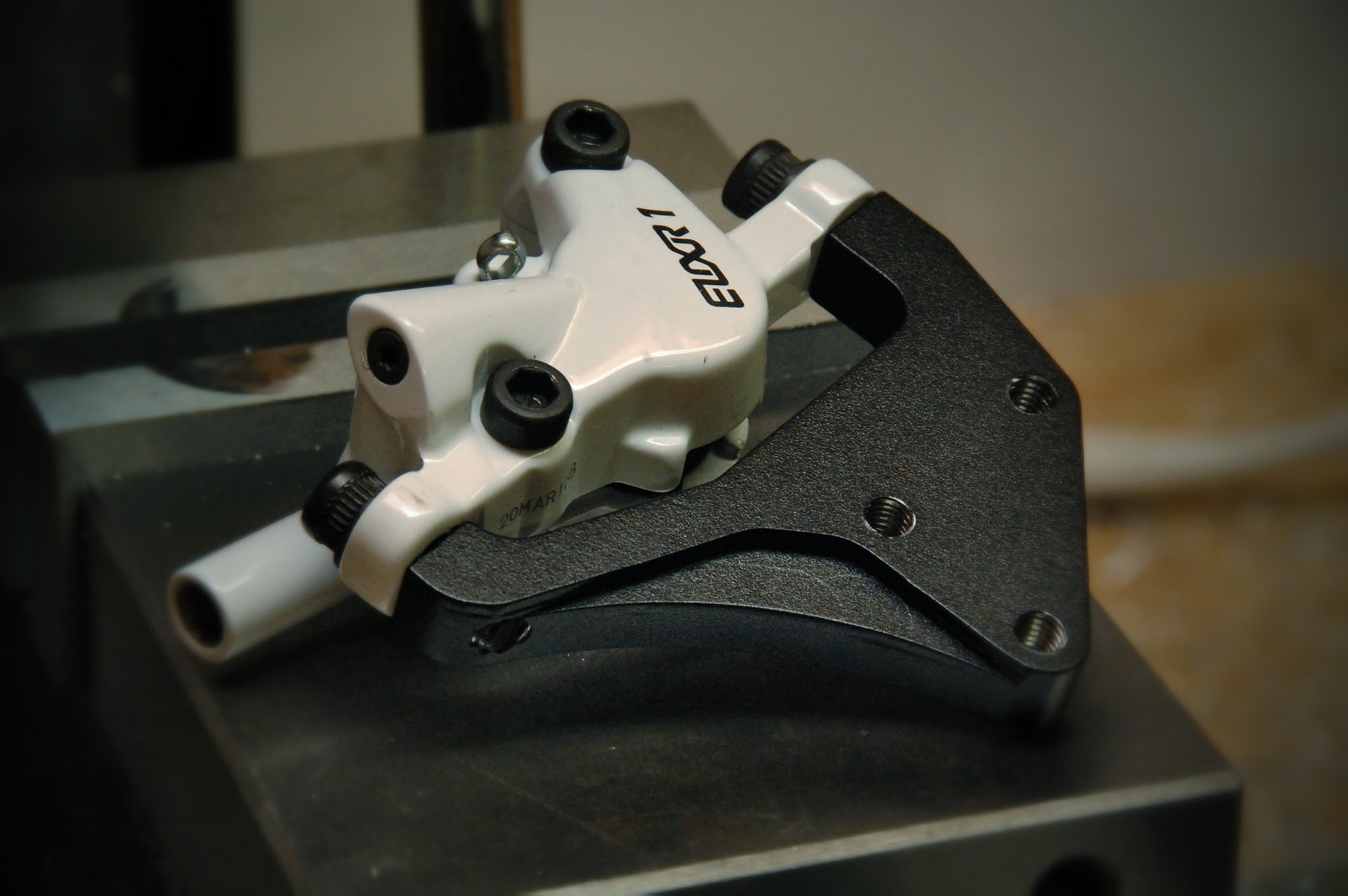
Unfortunately, back in October, I discovered that my level of conversion kit for my mill did not include the hardware for home sensors for each axis.  Everything was there, but for a few small brackets and mounting blocks, and the actual optical sensors themselves.  I asked whether the company would simply send me the CAD drawings for those small parts, but they wouldn’t for intellectual property reasons.  I suppose it’s fair, but still frustrating.

So, since then, I’ve been manually homing the machine.  It’s annoying, and has to be done each time I start it up.  I figured I would be a pain in the neck at best to add the homing sensors for the X and Y axes, since I needed the machine apart to conveniently get in to take measurements, yet I needed it together to know where the “fingers” of the interrupters landed exactly.  Not to mention, I needed the machine together to actually machine the parts!

Since getting the shop set back up, I’ve been trying to think about and tackle a lot of little projects to get things operating better.  I’ve been working on designing my own electronics breakout board (more in a later post), and I’d just included the homing sensors.  Needing a break from schematic/PCB work, I decided tonight would be a good night to start tackling the homing sensor mounting.

I could just reach up into the X endcap enough to take some rough measurements of the bolt spacing.  After a couple of test holes in a scrap piece, I determined the proper spacing of the mounting.  I then experimentally determined where the “finger” intercepts the optical interrupter.  Doing some old-school PAD (paper-aided design), I quickly sketched up what I needed.  I rough cut up a piece of nylon and went to town on it, running the mill in a mix of manual jog mode and simple G-Code commands.  It’s a lot like manual milling with a DRO, just easier and faster.  Once I get my pendant built, I think it’s going to be a very enjoyable way to work.

The mount fits perfectly on the X axis.  I was hoping it would also work for the Y, but the spacing appears to be different, so I’ll have to make a new block for that next.


Leave a comment

Pendant Links

So I don’t lose these links, here are some fancy advanced pendants that someone has implemented for EMC2, along with the underlying software necessary. I have already experimented a bit with hidcomp, trying out a USB gamepad to drive my mill around.


Leave a comment

Shop Reorganization, Part I of XXIV

This weekend, I started the major effort of cleaning and reorganizing my basement on the “clean” (i.e. non-wood shop) side.  I decided to move my electronics lab bench around, and move the mill into the room which used to serve as my storage/electronics area.  After two days of work, I’ve got the mill set back up, the relocated metalworking bench moved and I built a new shelf below, and all of the storage of computer parts, electronics junk, and the retrocomputing museum has been moved to the laundry/furnace side of the basement.

I’m undecided as to whether I will move the electronics bench again, and make the room that now houses the mill be purely a metals shop.  If I do that, I will build more benches and shelving to make a home for the forthcoming lathe and other metalworking equipment like a big metal cutting band saw.

It’s starting to come together, though.  Since I have not yet built a metal table with provisions for a proper “cage” around the mill, I quickly made a chip shield out of a piece of smoked acrylic that I had lying around.  This should help keep chips off of the bench, at least.  The CNC PC and control electronics will live on the “clean” side, on the new shelf under the main bench.

I really need to get going on finishing the CNC electronics and enclosure, as well as a manual pendant for running the mill.  I also picked up a quick project from my friend Dan, to make a nicer front panel for his Smoke-O-Tron meat smoker controller electronics.  I have a few cool ideas there, so stay tuned…


Leave a comment

USB Host Mode on Motorola Droid

It’s good to note that someone’s been making some progress getting USB host mode to work on the Droid… I have a few ideas for things to do with this, though it seems like they’re all going to involve rooted phones to be useful.


Leave a comment

Progress

So the CNC conversion is really not quite done, even though I’ve been using the machine to create parts.  Still lots of cleanup, fine tuning, and other such tasks to be done.

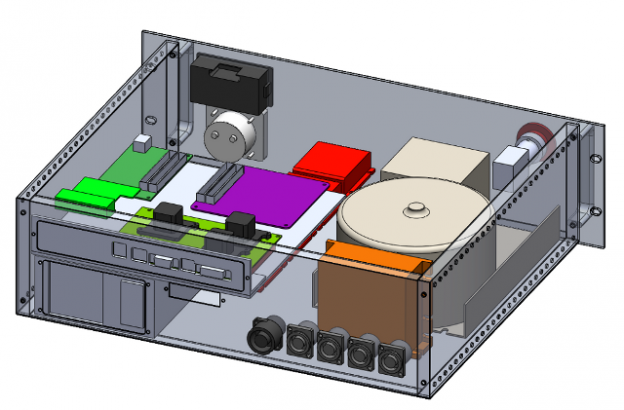
Over the last couple of weeks, I’ve tackled the task of buttoning up the stepper motor wiring.  This entailed doing some machining on the rear panel of the mill to add Speak-On jacks (nice robust twist-lock style jacks, one per axis).  I also machined up a small plastic cover for the old Z axis handle, through which some split loom tubing passes to connect to the Y stepper.   There’s also a piece of split loom tubing connecting the X axis motor to a strain relief on the rear panel.  Lastly, I made up some long lengths of 4 conductor cables with Speak-On plugs, to cable back to the CNC controller enclosure.   The controller box is one of the next major projects to tackle.


Leave a comment

First Metal!

I made my first part out of aluminum last evening.  I’ve been slowly designing the electronics enclosure, and I needed a means to mount and cool the GeckoDrives.  I designed a mounting plate/heatsink for them, and ran it out of 0.260″ aluminum plate that I happened into as a discard.  There are definitely still some things to work out with the CAM process – I broke a couple of center drills due to too-high feed rates, and my gibs definitely need some adjustment, as I got some pretty ugly looking chatter on the profile cutouts.  I can feel the slop in the gibs at this point, so I need to spend some time carefully fine tuning the adjusters.

img_0275

Here’s a time-lapse video of running the part.


Leave a comment